YOUR IDEAS. YOUR PRINTER.
Make it yours.
A little personality. A few adjustments.
Something you made yourself.
Custom designs, ready for your 3D printer.
Ready to makeNO. 001
THE FIRST IN OUR COLLECTION
A name.
A little character.
Your everyday keychain, made personal. Choose your lettering, dial in the size, and find your colors.
NAME KEYCHAINPERSONALIZE / PREVIEW / PRINT
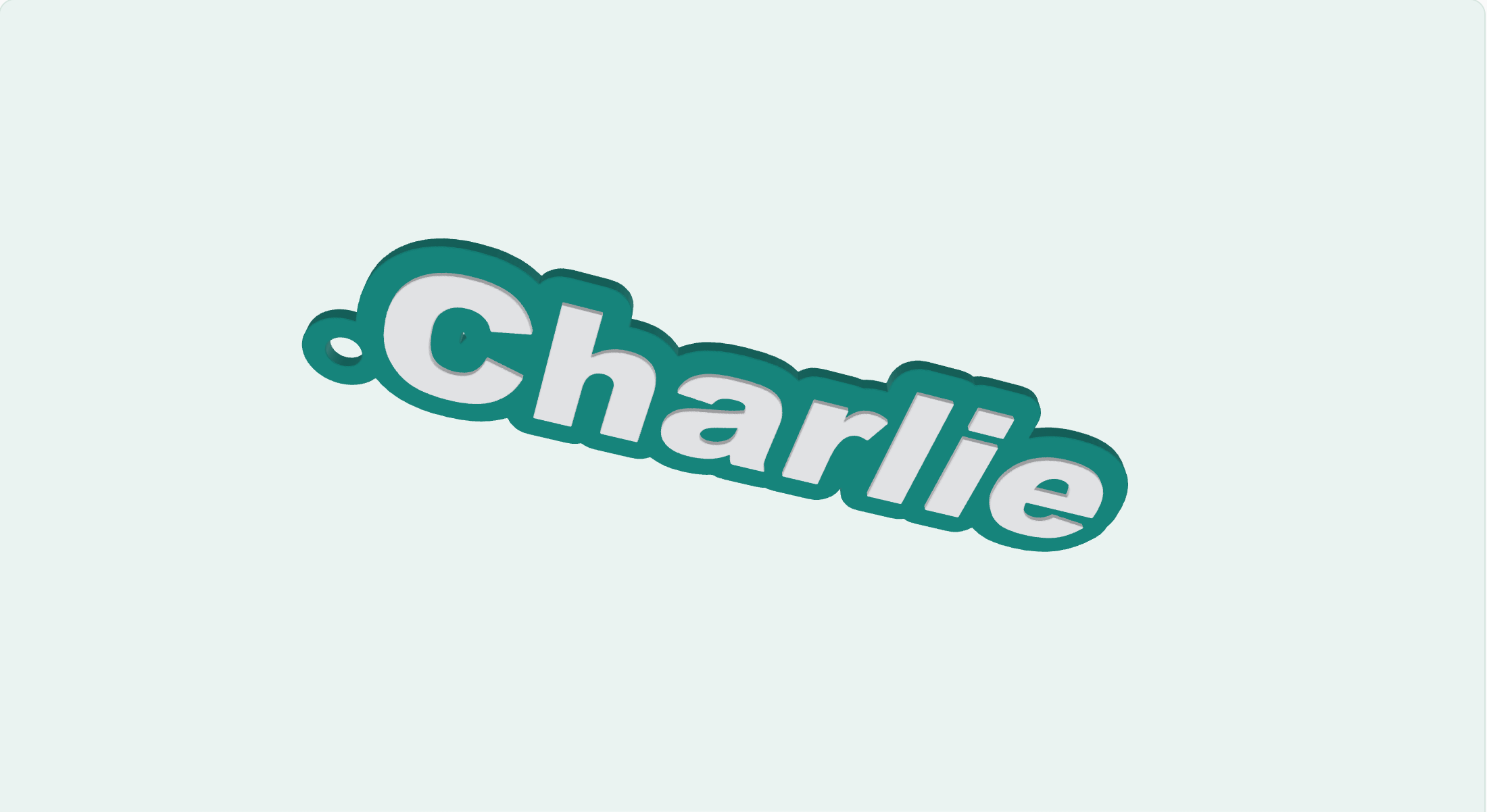
Small object.
All you.↗
Ready to makeNO. 002 / CELEBRATIONS
Say it with cake.
Birthday wishes, a name, a little celebration. Create a custom cake topper with an attached stick.
Make a cake topper ↗

MORE WAYS TO MAKE
On the drawing board.
Ideas for the next additions.
Keychains and cake toppers are available now.
003 / WORKSPACEUpcoming
Desk signs
A name, a title, a spot that's yours.
For your desk
004 / HOMEUpcoming
Custom coasters
A personal touch for your coffee break.
For everyday rituals
005 / GARDENUpcoming
Plant labels
Give every little green thing a name.
For growing things
006 / ON THE GOUpcoming
Bag tags
Make your bag easier to spot.
For your next adventure
← The collection
FROM AN IDEA TO SOMETHING REAL
A few steps.
A thing of your own.
01Make it personal
Open the keychain studio. Enter a name, choose a font, and adjust the outline. Drag the preview to see your design from every angle.
02Get the fit right
Set the overall width and height in millimeters. Keep proportions linked for an even resize, or unlink them to stretch the design. These dimensions include the ring; layer thickness is separate.
03Take it to your printer
Download your file and open it in your slicer. Check its scale and orientation, assign your filaments, and use the settings for your printer and material before slicing.
CHOOSE YOUR DOWNLOAD
The right file
for your next step.
Color 3MF
Keeps the base and raised letters as separate colored objects. Use it when your slicer supports 3MF, then check the filament assignments before printing.
Separate STLs
Downloads a base file and a letter file. Import both together as parts of one model to preserve their alignment. STL files do not store colors.
Single STL
Puts the base and letters into one file for a single-color workflow. Check the imported model in your slicer before printing.
How do I get smoother edges?
The generator follows smooth contours. Export detail applies to both 3MF and STL. Higher detail makes larger files; download again after changing your design or detail setting.
Make your first keychain ↗